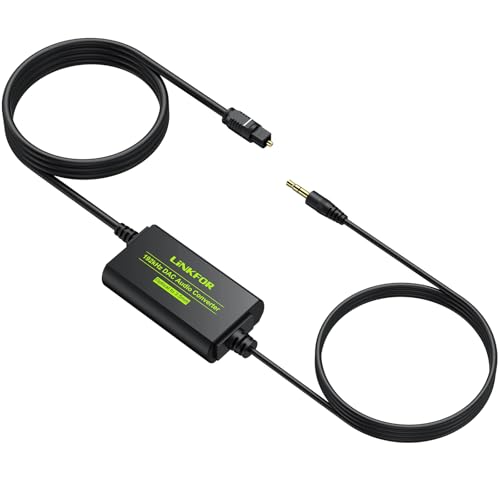
192KHz DAC Optical to 3.5mm Converter,Optical Audio Cable to AUX Cable
Adapter,Digital to Analog Audio Converter for HDTV DVD Set-top Boxes Out to Speaker Audio Mixer(Unidirectional O-ptical to AUX)USD $16.98
Condition : NEW
Free Shipping
{{variant_type_name}} :

Notify me when the price drops
We will email you if we find a lower price on this product!
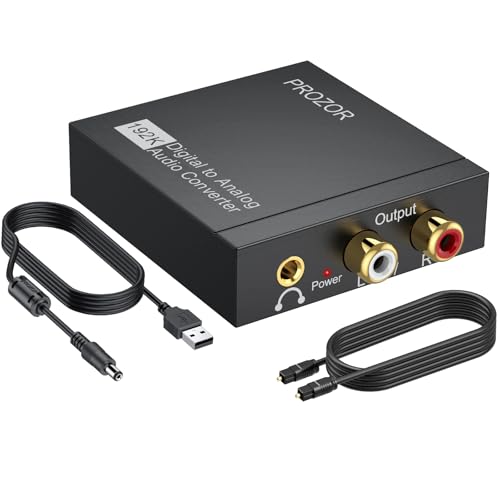
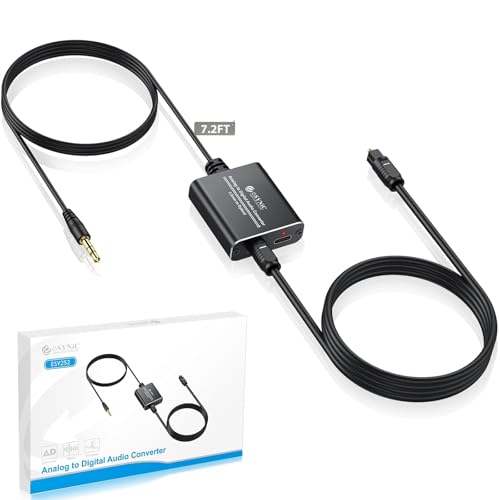
- 【Optical to 3.5mm Converter】Optical audio cable to aux converts converts optical (SPDIF/Toslink) digital audio signals to stereo 3.5mm AUX port output.(Not reversible: Cannot be used to transfer audio from 3.5mm to optical)
- 【Supports 192kHz Sampling Rate】The optical audio cable to aux achieves a high-quality sound sample rate of 192KHz and supports optical inputs at 32, 44.1, 48, 96, and 192KHz as well as data streams at 24-bit,Enhance your audio experience with precise details.
- 【NOTE】Please set audio output to PCM or Stereo mode before use.Here is how to set the PCM format.Sams TV: Settings - Sound - Expert Settings - Audio Format-PCM.LG TV: Menu - All Settings - Sound Output - Optical- Digital Sound Output - PCM,S-ny TV: PCM setting path: Device main page - system settings - image and sound - sound settings - digital audio output - PCM
- 【Note】That it is not compatible with 5.1-channel audio signals like Dolby AC3 and DTS. Make sure to set your device’s audio output to PCM for optimal performance.【Note】The TV's audio cannot be controlled via the remote control during use. If you need to adjust the volume, please do so using headphones or speakers.
- 【Compatibility】This fiber optic port is for TV audio output only and does not support game consoles, PS4,PS5, projectors, or other devices. The 3.5mm jack is for connecting headphones or speakers to receive audio signals. Reverse operation is not supported.
- 【PLUG AND PLAY】Simple installation and easy operation, needn't install extra driver.The USB cable must be plugged into 5V USB power port during use, This Optical to 3.5mm Converter Optical cable (included) to your HDTV/Blu-ray Player Input then Connect 3.5mm cable(included) to speakers/ headphones Output.
- Size: 3FT

Price type
IN STOCK
OUT STOCK






 .
.
